How the Ads Manager Works
1. Add Your Websites
Connect the websites where you want advertisements to appear by placing the supplied display code on those sites.
2. Create Advertising Packages
Create packages based on advertising type, banner dimensions, impression quantity and campaign duration.
3. Receive Orders
Advertisers can purchase an available package and submit their advertising campaign through the platform.
4. Review the Advertisement
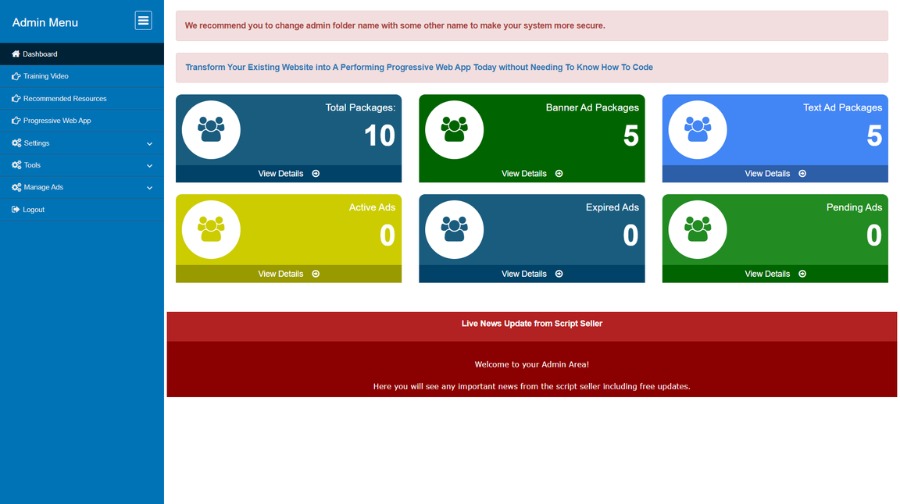
Use the administration area to approve, reject or delete advertisements before they are displayed.
5. Display Ads
Approved campaigns can be served on the websites connected to your centralized advertising system.
6. Let Advertisers Track Results
Advertisers can log in and view statistics associated with their advertising orders after approval.