AI Chat Pro Script
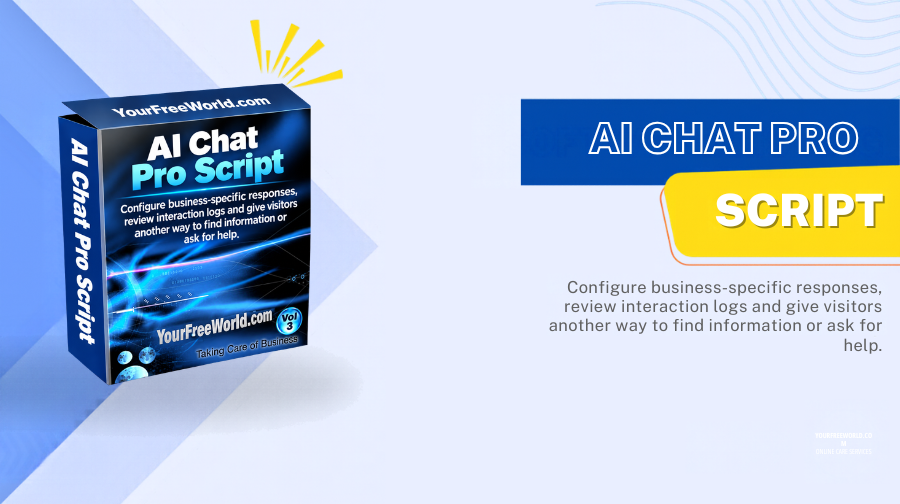
Add an AI chat assistant to your website using the OpenAI API. Configure business-specific responses, review interaction logs and give visitors another way to find information or ask for help.
- AI Powered Website Chat
- Custom Responses for Specific Questions
- Interaction Logs & Insights
- Multi-Language Support
- No Separate Monthly Software Fee Stated
What Is AI Chat Pro Script?
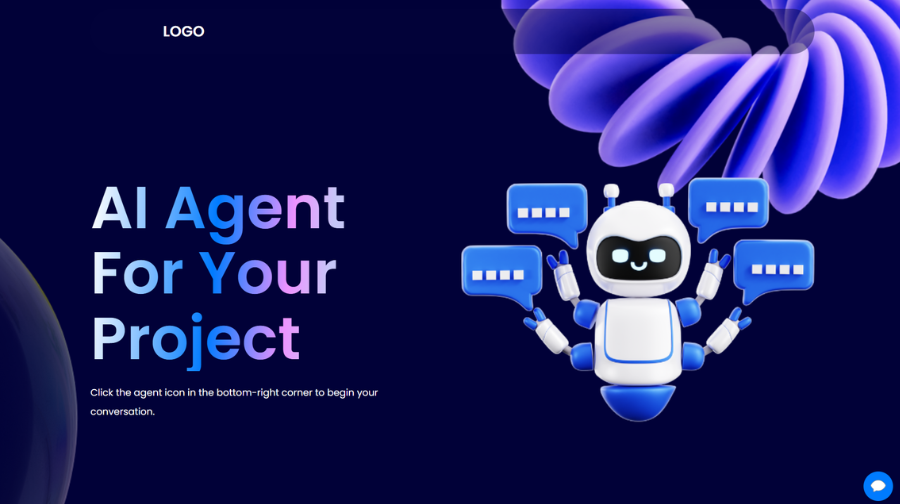
AI Chat Pro Script is a self-hosted PHP chatbot that connects your website's chat interface with the OpenAI API. Visitors can ask questions through the chat window and receive AI-generated responses while browsing your website.
To make the assistant more relevant to your business, you can configure custom responses for specific questions. This lets you add carefully written answers for common product, service or support questions rather than relying only on a general AI response.
The current product lists interaction logs and insights, a user-friendly chat interface, multi-language support and the ability to install the script on a PHP-based website. It also states that there is no separate monthly software fee, with ongoing costs coming from OpenAI API usage.
Practical note: AI responses can be incomplete, inaccurate or out of date. Review the answers your bot provides, keep custom responses current and give visitors a clear way to contact a person when the bot cannot resolve their question.
How the AI Chat Workflow Works
1. Add Chat to Your Website
Install the PHP script and configure the chat assistant for the website where it will be used.
2. Connect the OpenAI API
Configure the required API access so the assistant can request AI-generated responses. API usage is billed separately.
3. Configure Custom Answers
Add specific responses for frequently asked questions and important business information.
4. Review Conversations
Use the available interaction logs and insights to identify common questions and improve configured responses.
5. Support Visitors
Let visitors ask questions through the chat interface while your website and the connected API are available.
6. Maintain Your Bot
Keep custom answers accurate, test new questions and provide a human contact path for sensitive or unresolved issues.
Key Features
OpenAI API Integration
Generate chatbot responses using the OpenAI API connected to your installation.
Custom Responses
Configure responses for specific questions so common business answers can be managed intentionally.
Website Chat Interface
Give visitors a dedicated conversational interface for asking questions on your website.
Interaction Logs & Insights
Review conversations and use observed questions to refine the assistant's setup.
Multi-Language Support
Support visitors who communicate in different languages, while checking quality for your intended audience.
PHP Website Integration
The product is described as a PHP-based script designed for installation on PHP websites.
Business and Support Questions
Configure the assistant to help with common product, service, policy and support questions.
Administration Controls
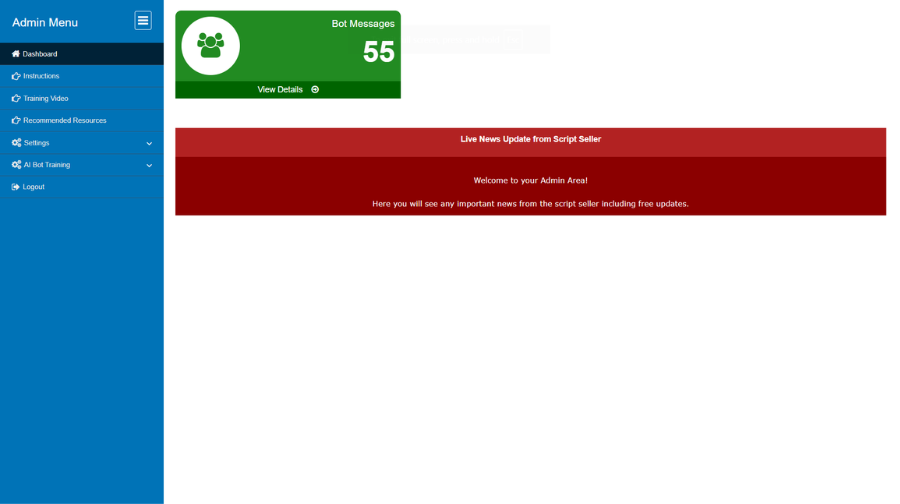
Manage bot configuration and review available interaction information from the admin area.
Where You Can Use AI Chat Pro
Ecommerce Websites
Help shoppers find basic product information, store policies or links to the right page.
Service Businesses
Answer common questions about services, processes, business hours and contact options.
Educational Websites
Provide an additional way for visitors to ask questions about public course or website information.
Blogs and Publishers
Help readers navigate content and find answers related to topics covered on the site.
Customer Support
Handle basic informational questions and route visitors to human support when needed.
Lead Enquiry Websites
Answer preliminary service questions and point visitors toward enquiry or contact forms.
Make the Assistant More Relevant With Custom Responses
General AI answers are not a substitute for accurate business information. Use the custom-response feature to prepare reviewed answers for important questions such as product details, delivery or service policies, contact information and frequently asked support questions.
Review the configured answers regularly. If your offerings or policies change, update the related responses and test them before relying on them for visitor support.
OpenAI API and Ongoing Costs
The current product requires an ongoing usage costs by the OpenAI API. You will need access to an OpenAI API account and must configure the API connection for your installation.
API charges can vary with model selection, the number and length of conversations, and the settings you use. Set suitable usage limits and monitor API activity so that visitors' questions do not create unexpected expenses.
Security, Privacy & Responsible AI Use
Because visitor prompts may be sent to the connected AI API, explain this processing in your privacy notice and avoid encouraging visitors to submit passwords, payment credentials or other sensitive information through the chat.
Protect API credentials, use HTTPS, restrict access to the administration area and review conversation logs according to your retention and privacy policy. Configure the assistant to defer or hand off questions that require a verified human answer.
AI-generated answers are not guaranteed to be correct. Test common scenarios, review outputs and keep a human support route available for important issues.
Installation & Support
For a limited time, we will install this script for you absolutely FREE!
Frequently Asked Questions
AI Chat Pro Script is a self-hosted PHP chatbot for websites. It connects a website chat interface with the OpenAI API so visitors can ask questions and receive AI-generated responses.
Yes. The script uses the OpenAI API to generate chatbot responses. You need to configure the API connection for your installation, and API usage is billed separately by OpenAI according to your account and usage.
Yes. You can configure custom responses for specific questions. This can help tailor the chatbot to your business information and frequently asked questions; it should not be described as training or fine-tuning the underlying AI model unless you separately configure such a system.
The chat interface can be made available to website visitors at any time, provided your website, server and connected AI API are operational. It does not mean every response is guaranteed to be correct or that uptime is guaranteed.
The product page describes AI Chat Pro as a PHP-based script that can be integrated into a PHP website. Check the installation instructions and your hosting environment before deploying it on a production site.
Yes. The current product allows multi-language support so website owners can serve a broader audience. Response quality can vary by language, prompt and the configured model.
Yes. The documented features include interaction logs and insights, which can help you review conversations and improve your bot's configured responses.
You can configure custom responses for specific questions so the bot can respond with information tailored to your business. Review and update this information as your products, policies and support details change.
There is no separate monthly software fee and that the ongoing cost is the OpenAI API usage. Your actual API charges depend on usage and the models and settings configured in your OpenAI account.
It may suit ecommerce stores, service providers, educational websites, bloggers, publishers and customer-support teams that want an AI chat assistant on their website.
The current product requires a Unix/Linux server, PHP 8.2 or higher, MySQL support, ionCube Loader, GD Library and cURL. Since server runtimes evolve, verify compatibility with a currently supported PHP version before launch.
The current product comes with a single domain license and it includes with free installation.
Why Buy From YourFreeWorld?
We build and operate web platforms ourselves, including content, membership, ecommerce and directory-oriented projects. Our script catalog focuses on practical self-hosted PHP software that customers can use as a foundation for their own websites and online businesses.
We aim to describe what each product actually includes, provide technical information and show the software through real screenshots and demonstrations so buyers can make an informed decision.
Developed By
Developed by: Rohit Seth, Lead PHP Architect
Expert in secure, high-scale PHP marketing frameworks since 2003.
Verified Architect — Rohit Seth (22+ Years Experience)